
2017-2023 Chevy / GMC Duramax L5P | EZ Lynk Tunes | Includes DPF DEF EGR Delete Tuning
We offer fast and free reliable shipping for all customers to ensure that you receive your products as soon as possible. Shipping generally takes 3-8 days to transit to you depending on where you're located in the US and Canada. Hawaii, Alaska, and other remote areas may take longer and invoke further shipping expense. Please contact us if you're want more information.
We understand the importance of clarity in our return procedures, both for our customers' peace of mind and for ensuring a smooth process. We've outlined our updated guidelines to facilitate efficient returns here.
Complete your kit with these upgrades!
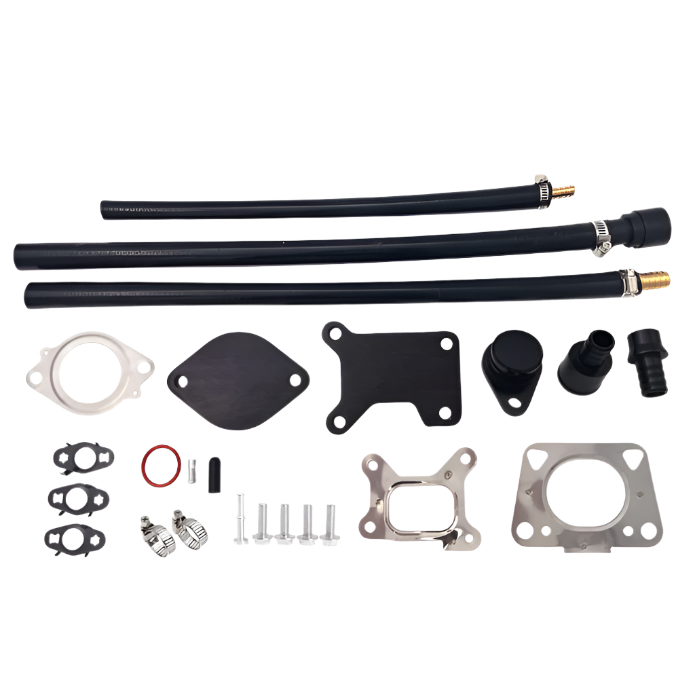
EGR DELETE KIT | Chevy / GMC L5P L5D DURAMAX 2017-2023
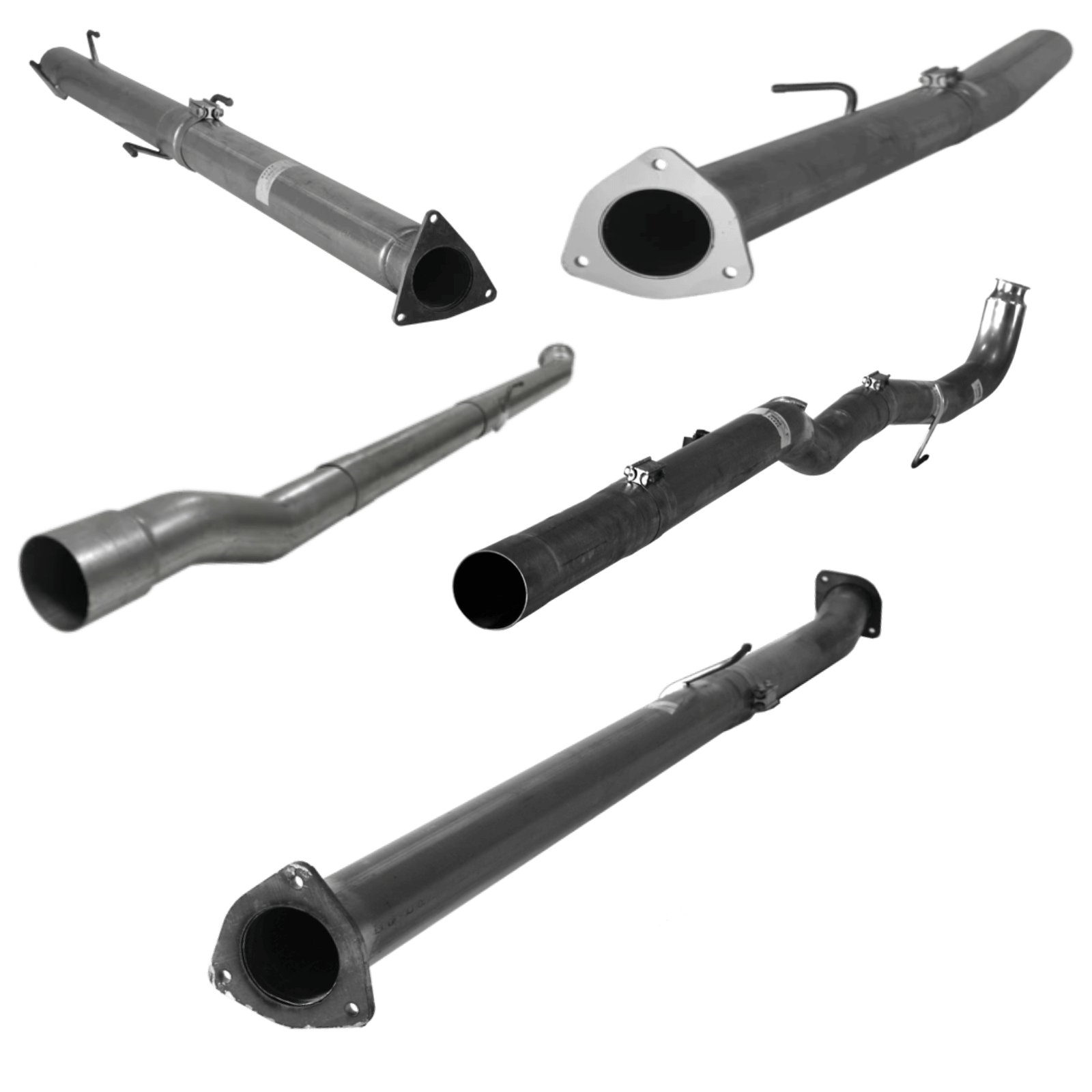
Add-on | DPF RACE Pipes
DPF Delete Pipes enhance engine performance by removing the Diesel Particulate Filter, reducing exhaust restrictions for increased power and efficiency.
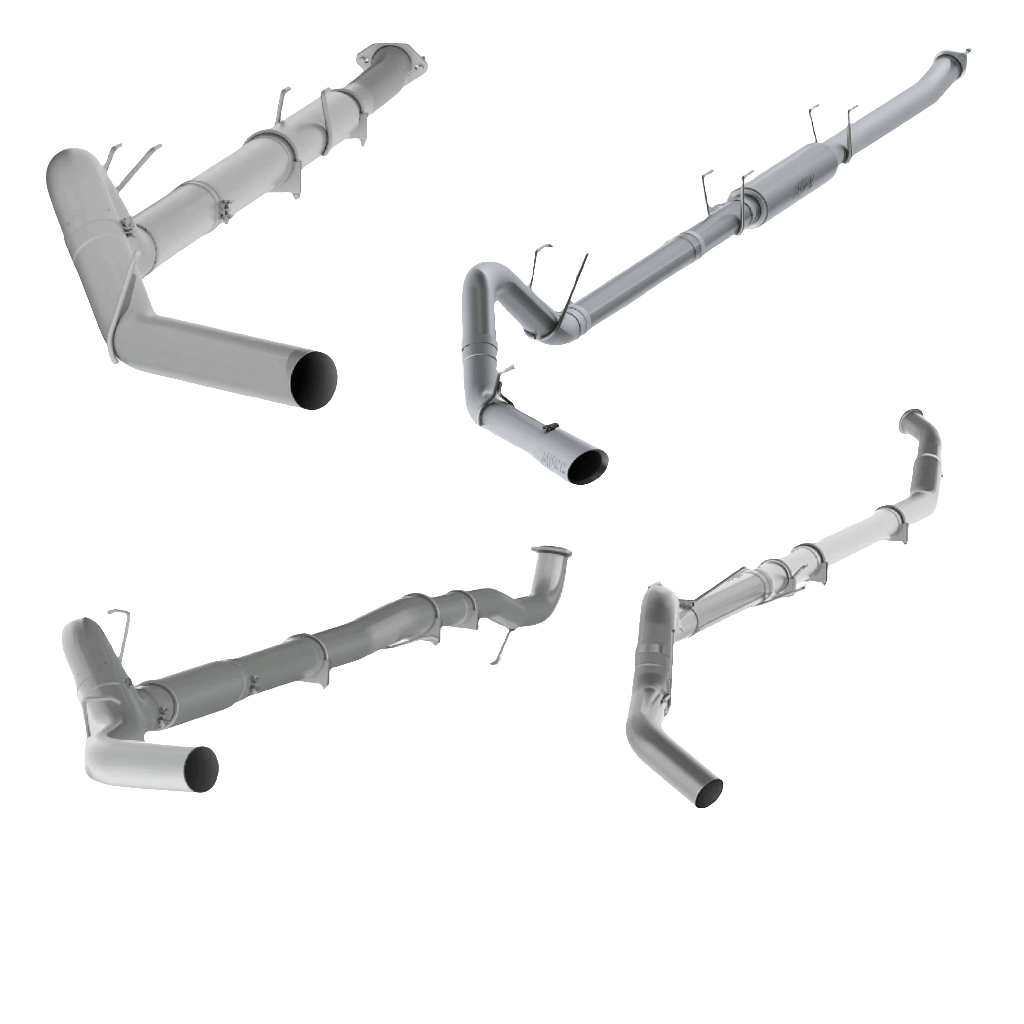
Add-on | Race Exhaust System
This race exhaust starts at the downpipe or turbo depending on truck make & allows the removal of the catalytic converter and DPF filter as well as the DEF tank.
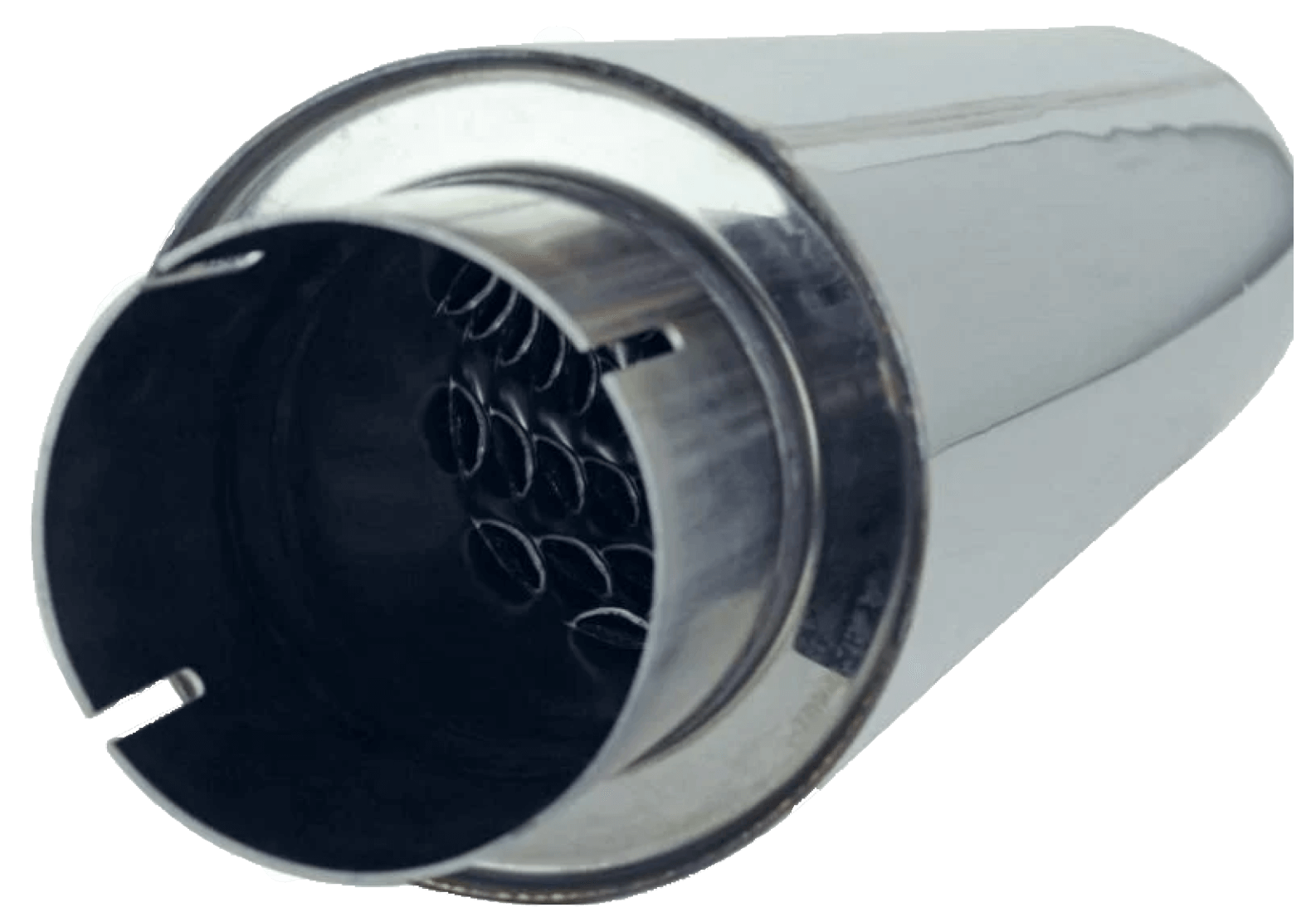
Add-on | Straight Through Muffler | No Size Option
Upgrade your truck's sonic profile and performance with our advanced mufflers. Features include a straight-through flow path for optimal performance, a non-directional design for flexible installation, and durable stainless steel mesh and fiberglass construction for longevity and resilience against harsh conditions. The straight-through design minimizes back pressure, boosting overall performance.
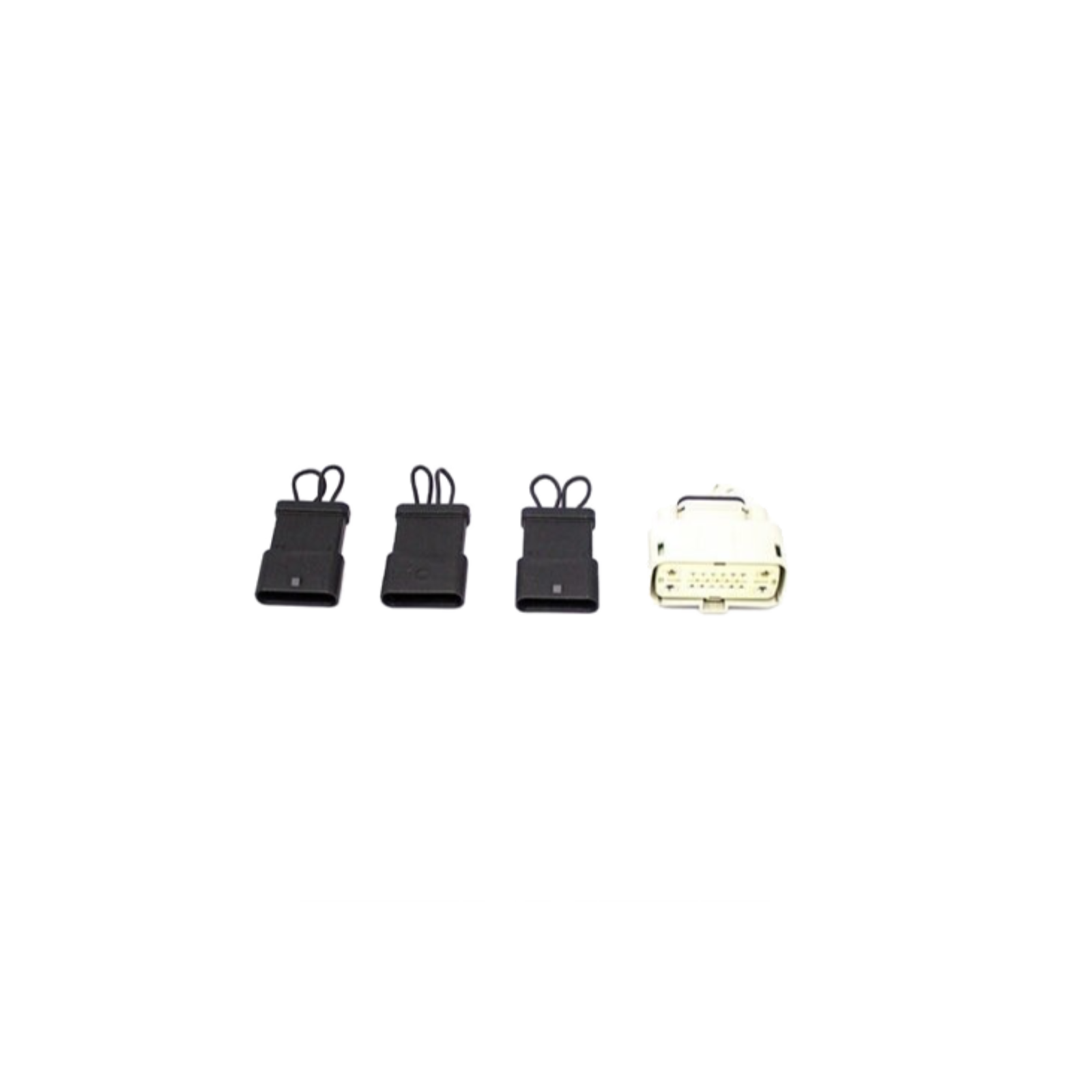
CAN Communication Plug Kit
The Plugs Will Go In Place Of The NOX And DEF Module. The Looped Wires Will Provide A Closed Signal Back To The ECM For Proper Operation. With The Plugs Installed You Can Remove The Modules And Store Them If You Plan On Going Back To Stock.
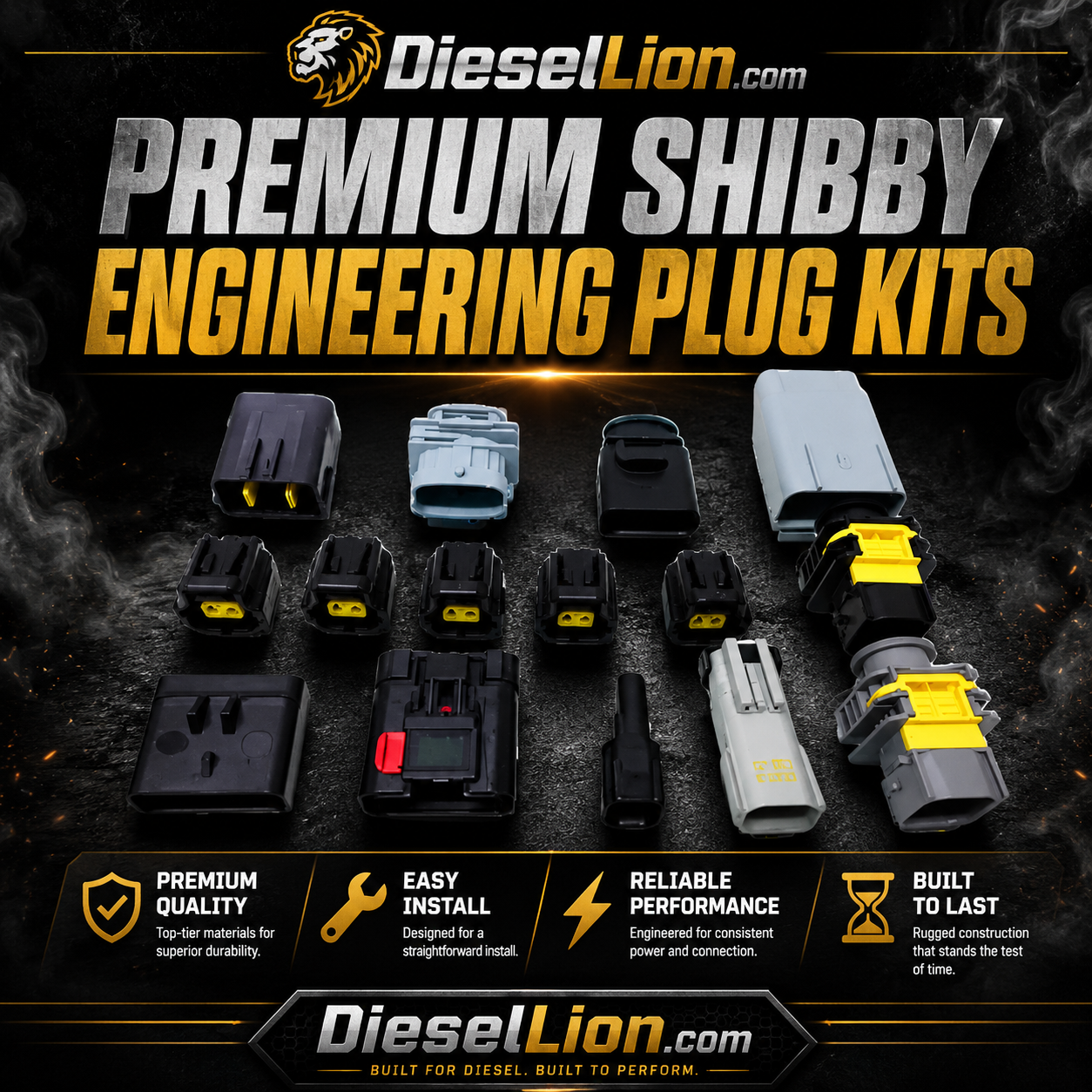
PREMIUM SHIBBY ENGINEERING PLUG KITS
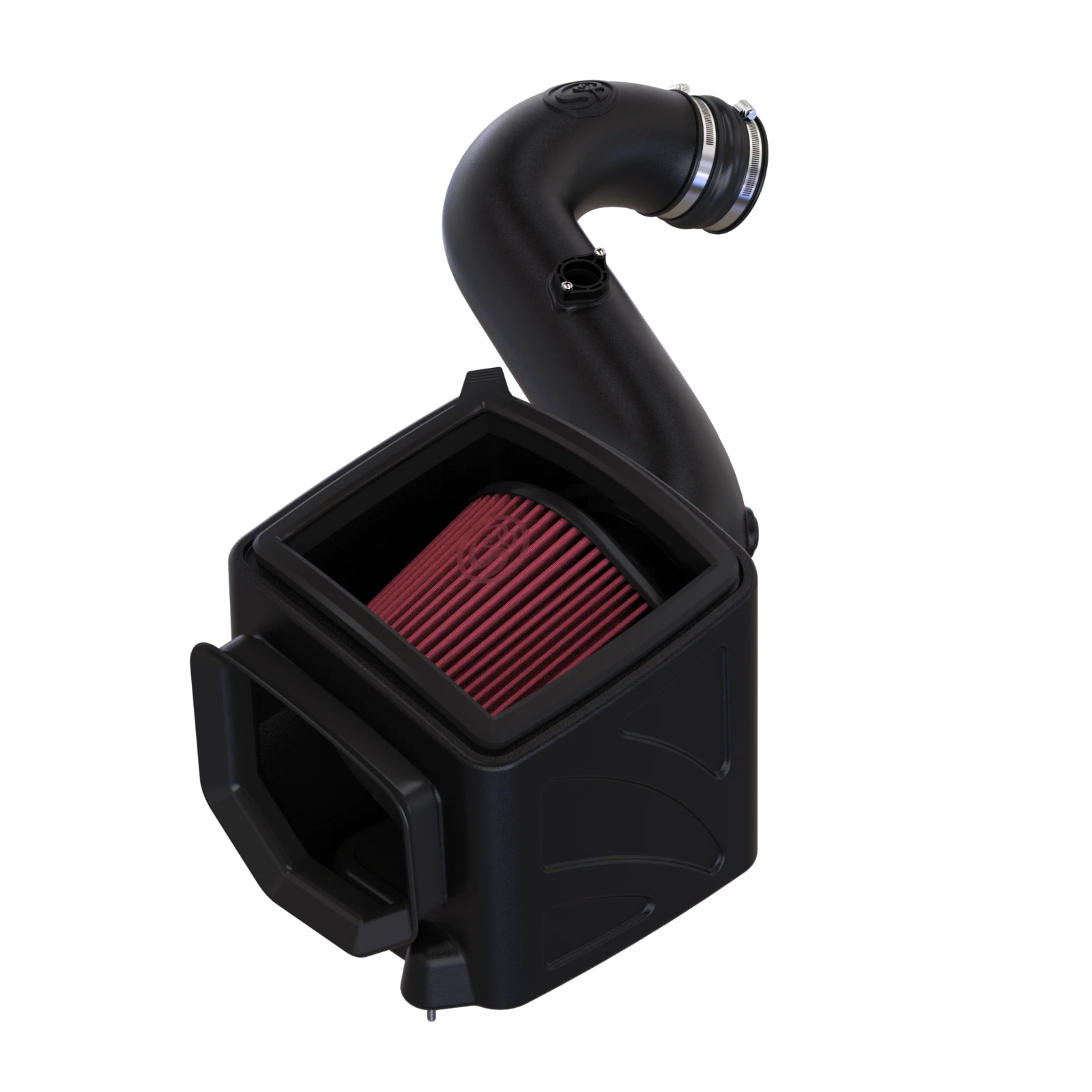
Add-On | S&B Cold Air Intake
An S&B Intake enhances your vehicle's performance by optimizing air filtration, leading to improved engine efficiency and power. Upgrade for increased horsepower and better fuel efficiency.
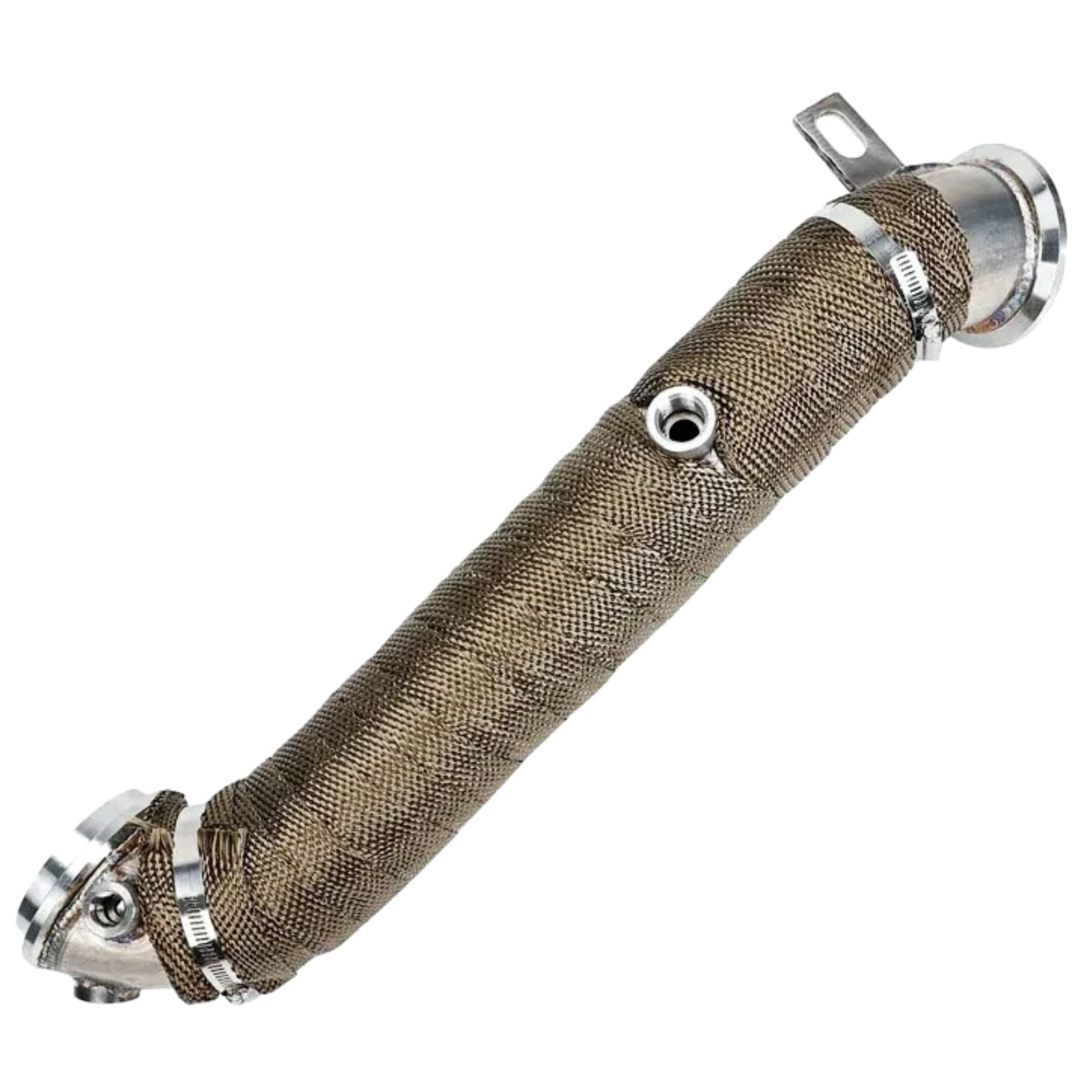
Add-on | Downpipes
Downpipes improve exhaust flow by reducing restrictions, resulting in enhanced turbocharger efficiency and increased horsepower. Upgrade for better performance and responsiveness in your vehicle's exhaust system.
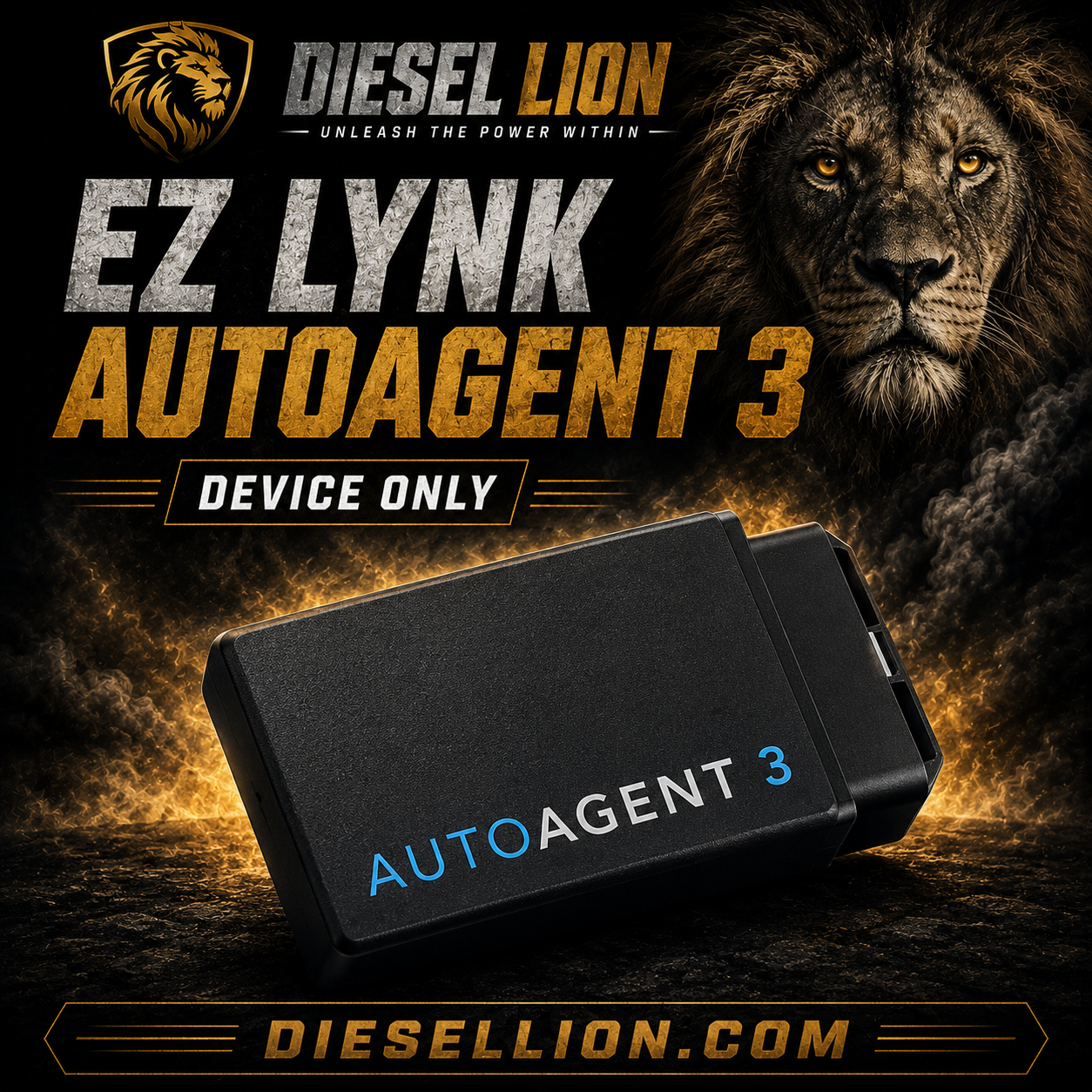
Ez Lynk Auto Agent 3 (No Tuning Included)
Product Information
Product Description
2017-2023 CHEVY / GMC L5P DURAMAX (WILL NOT WORK ON L5D or CAB CHASSIS)
Includes 4 week Tuning support pack!
LIFETIME SUPPORT PACKAGE (available upgrade)
This recommended upgrade offers unlimited flashes and basic tune revisions on ALL TUNES. You’ll receive automatic tune updates so that you can take advantage of the progress that we make and enjoy the timelessness of the EZ LYNK AutoAgent 3.
TCM TUNING
This HIGHLY recommended upgrade will increase the line pressure in your transmission so it can keep up with all the added power your engine will be producing from the tunes. We highly recommend TCM tuning to anyone that plans on running anything more than a tow tune.
POWER LEVELS
Stock
30hp
60hp
90hp
120hp
150hp
SOTF (Change tunes via cruise control buttons)
TCM
ATTENTION!
Note: 17-18 with the ECM PN ending in 12676723 have to be sent into EZlynk for an unlock on their bench. They are not currently flashable on EZlynk.
EZ is releasing firmware updates for these pretty regularly so this product should get any small unlocking/tuning issues worked out in the immediate future.
If you have a flashing issue Ezlynks tech support number is: 877-207-5530
2017–2023 Chevy/GMC L5P Duramax EZ LYNK Flashing Guide
Before You Start
1. Do not rush the flash
Plan for the truck to sit undisturbed for 30–60 minutes.
Do not start this process if you are in a hurry, if the batteries are weak, or if you do not have a charger/maintainer connected.
2. Connect a good battery maintainer or programming power supply
This is very important on L5P trucks.
Before flashing, connect a quality battery maintainer or regulated power supply.
Do not use:
-
A cheap trickle charger
-
A jump box
-
A charger in “engine start” mode
-
Anything that causes voltage spikes or unstable voltage
The truck needs stable voltage the entire time. Weak batteries or voltage drops are one of the most common reasons these trucks fail to take a flash.
3. Turn off all electrical loads
Before flashing, turn everything off:
-
Headlights off
-
Auto headlights off if possible
-
HVAC off
-
A/C off
-
Defrost off
-
Heated/cooled seats off
-
Radio off
-
Interior lights off
-
Phone chargers unplugged
-
Dash cameras unplugged
-
Radar detectors unplugged
-
Aftermarket lights/accessories off
-
Amplifiers, compressors, GPS units, or other add-ons unplugged or powered off
Close the doors and leave the truck alone during the flash.
4. Make sure the cooling fans are OFF
Do not flash the truck with the cooling fans running.
If the fans are running:
-
Turn HVAC off
-
Turn A/C and defrost off
-
Let the truck cool down
-
Cycle the key off and wait
-
Do not continue until the fans are off
Fans running can create a large voltage draw and cause flashing problems.
Flashing Instructions
Step 1: Install the Auto Agent app
Download the Auto Agent app on your phone.
Log in or create your EZ LYNK account.
Step 2: Put the truck in RUN, engine OFF
Do not start the truck.
For keyed trucks:
-
Insert the key.
-
Turn the key to RUN / ON.
-
Do not crank the engine.
For push-button trucks:
-
Do not press the brake pedal.
-
Press and hold the start button until the truck goes into RUN / ON mode.
-
Make sure the engine stays off.
Step 3: Plug in the EZ LYNK AutoAgent
Plug the EZ LYNK AutoAgent directly into the OBD-II port.
Make sure it is fully seated.
You should see the device power up.
Step 4: Connect your phone to the EZ LYNK Wi-Fi
On your phone:
-
Open Wi-Fi settings.
-
Select the EZ LYNK / AutoAgent Wi-Fi network.
-
Connect to it.
Your phone may say No Internet Connection while connected to the EZ LYNK Wi-Fi. That is normal. The phone is connected to the AutoAgent, not normal internet.
Step 5: Open the Auto Agent app
Open the Auto Agent app and make sure the truck shows as connected.
If it does not connect:
-
Leave the key in RUN.
-
Unplug the AutoAgent.
-
Plug it back in.
-
Reconnect your phone to the EZ LYNK Wi-Fi.
-
Reopen the Auto Agent app.
Step 6: Link to the technician if needed
If your device has not already been linked:
-
Open the Auto Agent app.
-
Go to the menu.
-
Go to Vehicle.
-
Go to Technicians.
-
Select Lynk.
-
Enter the technician email (emailed to you)
-
Submit the request.
Once linked, the tune files will be made available in the app.
Step 7: Download the tune file before flashing
Go to:
Menu → Vehicle → ECU Profiles
Select the correct tune file for your truck.
If there is a cloud/download button, download the tune file first.
If the file will not download while connected to the EZ LYNK Wi-Fi:
-
Disconnect from the EZ LYNK Wi-Fi.
-
Connect your phone to normal cellular/Wi-Fi internet.
-
Download the tune profile.
-
Reconnect to the EZ LYNK Wi-Fi before installing.
ECM Flash
Step 8: Flash the ECM first
Before pressing install, confirm:
-
Battery maintainer/power supply is connected
-
Fans are off
-
HVAC is off
-
Lights are off
-
Doors are closed
-
Aftermarket accessories are unplugged/off
-
Phone is charged
-
Phone is connected to EZ LYNK Wi-Fi
-
Correct tune file is selected
-
AutoAgent is fully plugged in
Then:
-
Select the correct ECM tune file.
-
Press Install.
-
Follow the app prompts exactly.
During the flash:
-
Do not open the doors
-
Do not press the brake
-
Do not start the truck
-
Do not unplug the AutoAgent
-
Do not disconnect the charger
-
Do not walk away with the phone
-
Do not switch apps if avoidable
-
Do not cycle the key unless the app tells you to
Let the flash fully complete before touching anything.
Step 9: After the ECM flash completes
Once the app says the flash is complete:
-
Follow any key-off/key-on prompts.
-
Turn the key off when instructed.
-
Wait 2–5 minutes.
-
Let the truck modules settle.
-
Start the truck only after the app says the process is complete.
Some warning lights or messages may appear immediately after flashing. That can be normal until the truck is cycled and codes are cleared.
TCM Flash
Step 10: Flash the TCM if your package includes TCM tuning
If your order includes TCM tuning, flash the TCM after the ECM flash is complete.
Do not assume the ECM and TCM flash together. On many Duramax trucks, the ECM and TCM files are separate.
To flash the TCM:
-
Keep the charger/power supply connected.
-
Put the truck in RUN, engine OFF.
-
Make sure fans are off.
-
Make sure HVAC/lights/accessories are off.
-
Connect your phone to the EZ LYNK Wi-Fi.
-
Open the Auto Agent app.
-
Go to ECU Profiles.
-
Select the correct TCM file.
-
Press Install.
-
Follow the app prompts exactly.
Do not interrupt the flash.
After Flashing
Step 11: Clear codes
After the truck is fully flashed and starts:
-
Let the truck idle.
-
Use the app to scan for codes.
-
Clear codes.
-
Shut the truck off.
-
Wait a couple minutes.
-
Restart the truck.
-
Recheck for codes.
If the Flash Fails
If the flash gets stuck at 0%
Do this:
-
Do not start the truck.
-
Leave the charger/power supply connected.
-
Turn the key off.
-
Unplug the AutoAgent.
-
Connect your phone to normal internet/cellular data.
-
Reopen the Auto Agent app.
-
Re-download/fetch the tune profile.
-
Turn the key back to RUN, engine OFF.
-
Plug the AutoAgent back in.
-
Reconnect to the EZ LYNK Wi-Fi.
-
Retry the install.
If the flash fails partway through
Do this:
-
Do not disconnect the batteries.
-
Do not remove the charger/power supply.
-
Do not keep randomly cycling the key.
-
Take a screenshot of the exact error.
-
Check that voltage is stable.
-
Make sure fans, HVAC, lights, and accessories are off.
-
Reconnect to the AutoAgent.
-
Look for Recovery, Resume, Retry, or Return to Stock options in the app.
-
Try recovery/resume first if available.
-
Contact support before making repeated attempts.
What to Send Support if There Is an Issue
If the truck has an issue during or after flashing, send us the following:
-
Year, make, and model
-
VIN
-
ECM part number, if known
-
TCM part number, if known
-
Exact tune file name selected
-
Whether you were flashing the ECM or TCM
-
Screenshot of the error message
-
Battery voltage during the flash, if known
-
Whether a charger/power supply was connected
-
Whether the fans were running
-
Whether any aftermarket accessories were connected
-
Whether the truck starts
-
Current DTCs after the failed flash
-
Screenshot showing the truck connected in the EZ LYNK app
Final Checklist Before Pressing Install
Before you flash, confirm every item below:
-
Truck is on a proper battery maintainer/programming power supply
-
Batteries are healthy and fully charged
-
Key is in RUN / engine OFF
-
Fans are OFF
-
HVAC is OFF
-
Lights are OFF
-
Doors are closed
-
Phone is charged
-
Phone is connected to EZ LYNK Wi-Fi
-
Correct vehicle is selected in the app
-
Correct ECM or TCM file is selected
-
Tune file is downloaded
-
AutoAgent is fully plugged into the OBD-II port
-
No aftermarket accessories are pulling power
-
Nobody touches the truck during flashing
Please follow these steps exactly. Most L5P flashing issues come from voltage instability, fans running, weak batteries, aftermarket accessories, or the flash being interrupted.
Powerlevel Options
POWER LEVELS
Stock
30hp
60hp
90hp
120hp
150hp
SOTF
TCM
Product Compatibility
2017-2023 Chevy / GMC Duramax L5P/L5D
Other Information and Resources
Satisfied Customers
Hear what our customers have to say about our diesel parts.
Other Great Buys
Check out some other products that you might like